



Most standard smartphone camera apps already include basic video filters, but the effects they offer are usually quite limited. Fortunately, there are many third-party filter apps that offer much better video editing. If you're looking to give your footage a unique look, check out the list below.
We recommend paying special attention to VHS and Super 16. I've worked extensively with these apps and am pleased with the results. This list is far from exhaustive. New filter apps are also appearing regularly. If you have any good examples in mind, be sure to email me.
Rarevision
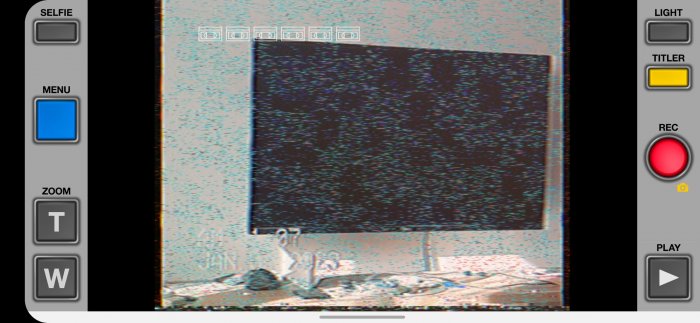 If you're too young to know anything about VHS, ask your parents what and how they filmed their wedding in the 1990s. Technology is advancing, and footage from modern cameras doesn't quite resemble the VHS tapes of the past. However, with Rarevision, this can be easily remedied. This mobile app with a vintage user interface will help give your phone videos the look of good old VHS.
The free version's functionality is sufficient for most users. However, if you want to change the date on videos, apply a glitch effect, and access other advanced features, you'll need to upgrade to the Pro version for $3.
Super 16
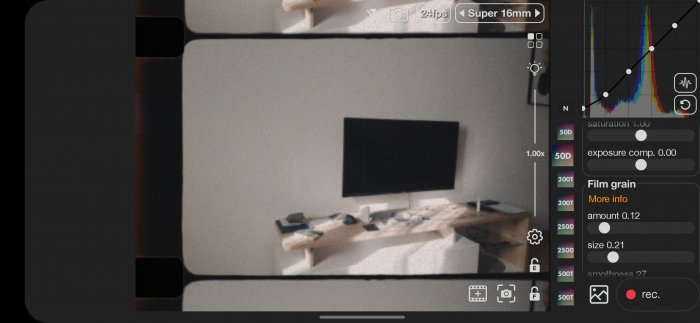 The apps described above are designed to give videos a specific vintage look. Super 16 is more versatile. This app is the best choice if you want to apply various effects to your footage. Super 16 simulates filming with a 16mm film camera.
Filters can be applied to both live recordings and clips from your phone's gallery. The app includes over seventy video filters, including Kodak Vision, Tetrachrome, and others. One of the most interesting features is the overexposed film effect. This filter can be applied with a single tap while recording.
The free version of the app has somewhat limited functionality. If you want access to all filters and additional options, you can upgrade to Super 16 Pro for $6.
Version for Android.
90s Video Effects
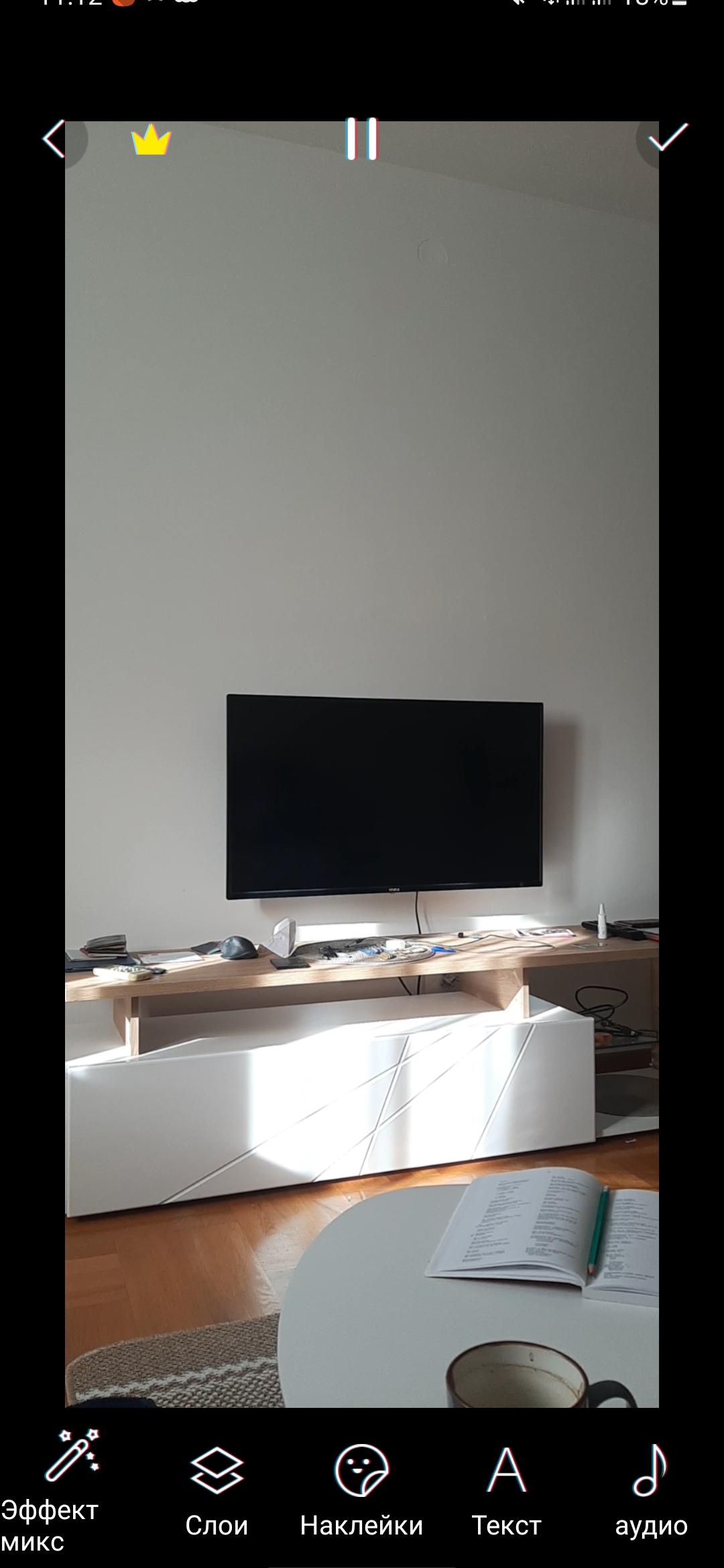
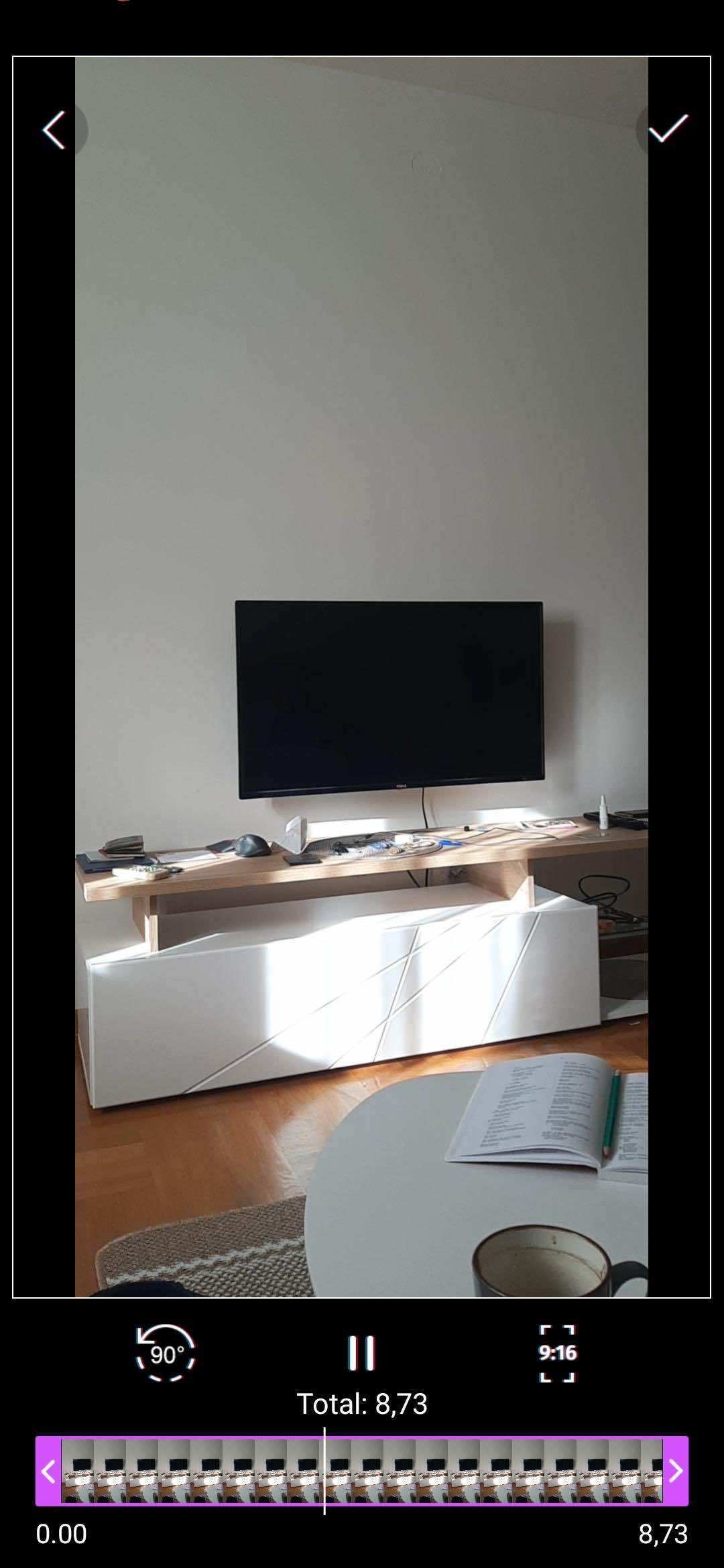
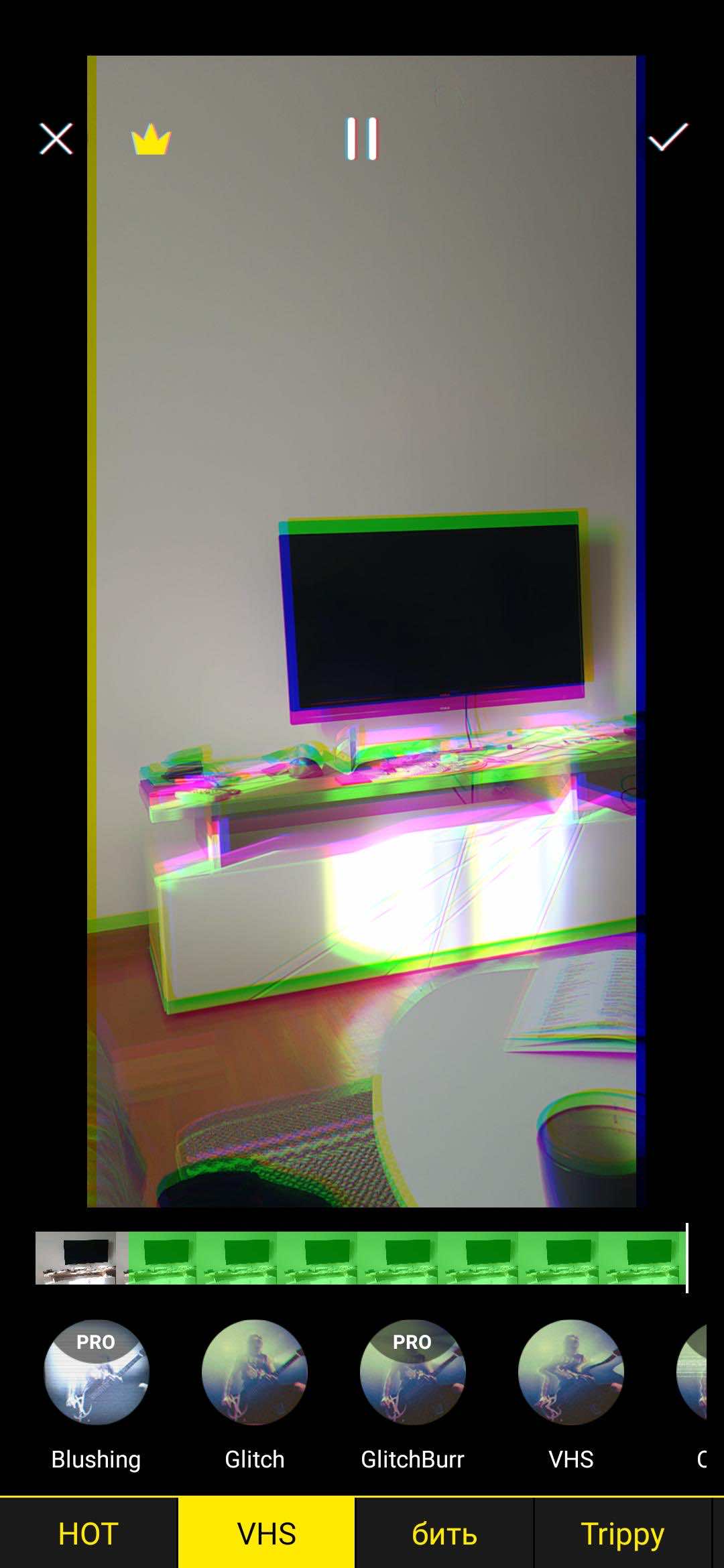
Glitch and trippy photo effects are currently trending, especially among teenagers. These filters are gaining popularity largely due to their frequent use in hip-hop music videos.
This app helps you apply similar visual effects to your own videos. It features a unique filter system. This can be especially convenient when capturing or importing videos, for example. You can apply an effect to a specific section of the video rather than the entire video. This allows you to use multiple filters in the same video.
To remove the watermark and access more filters, you need to upgrade to the Pro version of the app. The subscription costs $3 per month. There is a similar app for iOS.
Version for Android.
Prequel

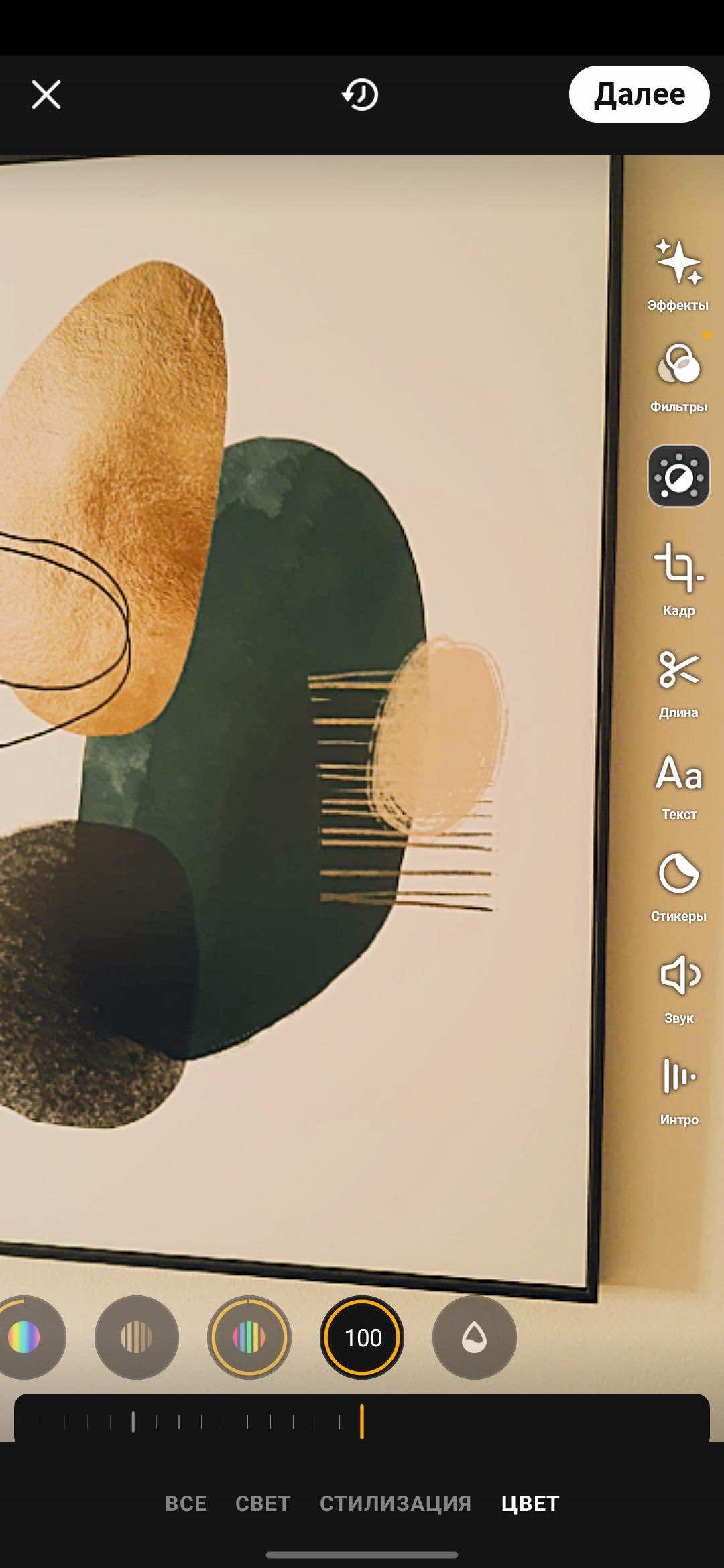
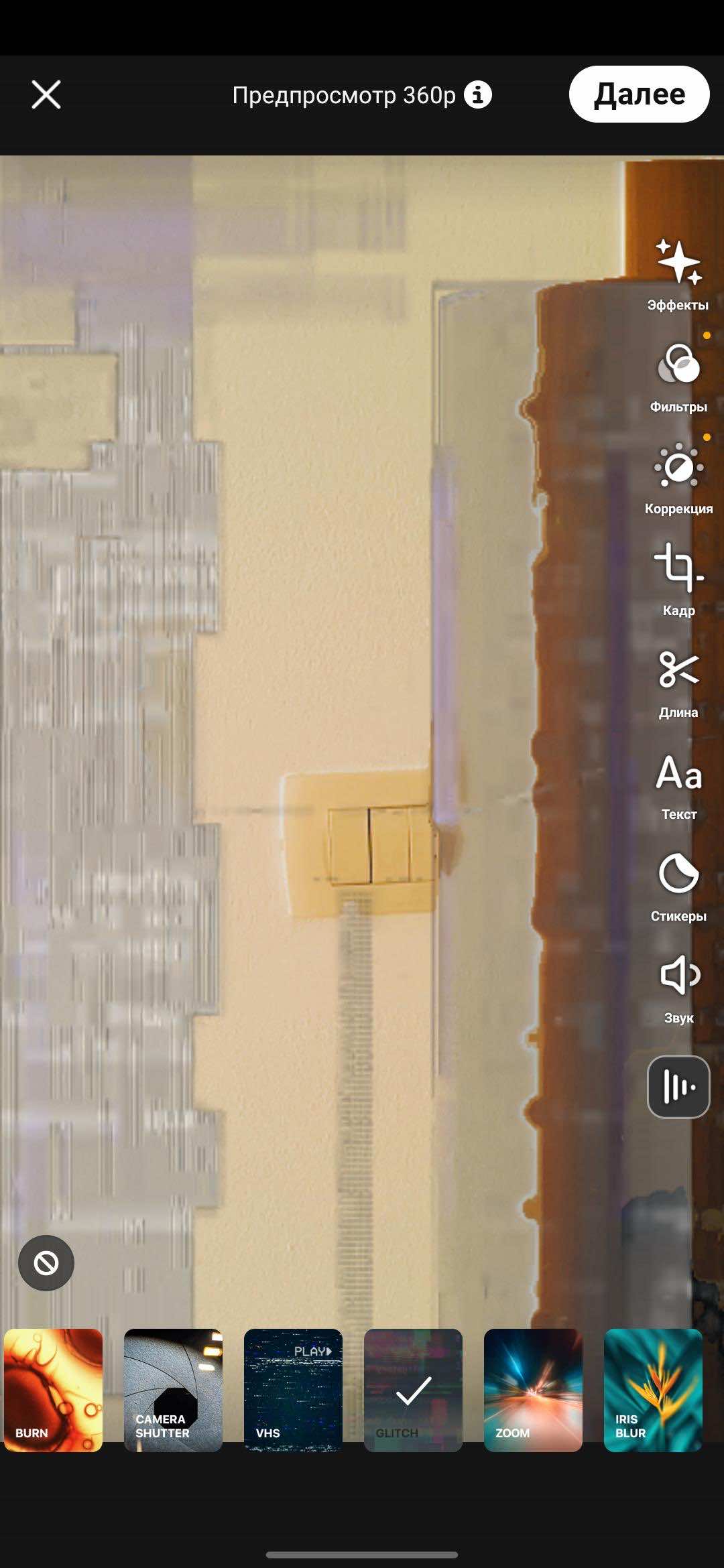
Prequel offers a huge collection of filters for your videos. The app has effects for every occasion, including fashion and sound effects. You can also play with color: change the contrast or color temperature, adjust the lighting, and more.
Interestingly, live stream recording is available on iOS, but the Android version, for some reason, lacks the Slow-Mo and Beauty filters. Therefore, if possible, it's better to use the iOS version, as it has a richer interface and more functionality.
The app is free, but there's a paid version with more filters and advanced video editing tools. A subscription costs 279 rubles per week, with a three-day trial.
Indie Video Effect
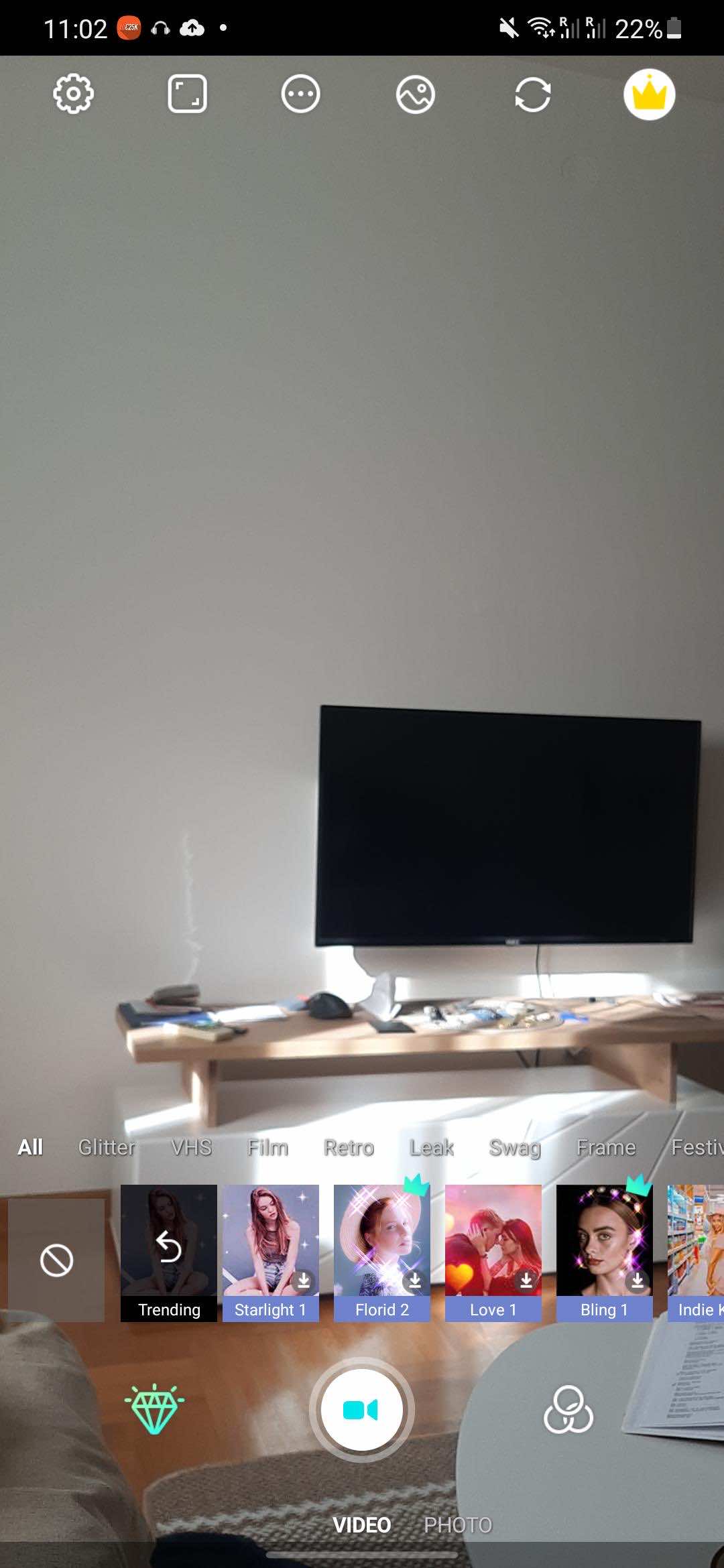
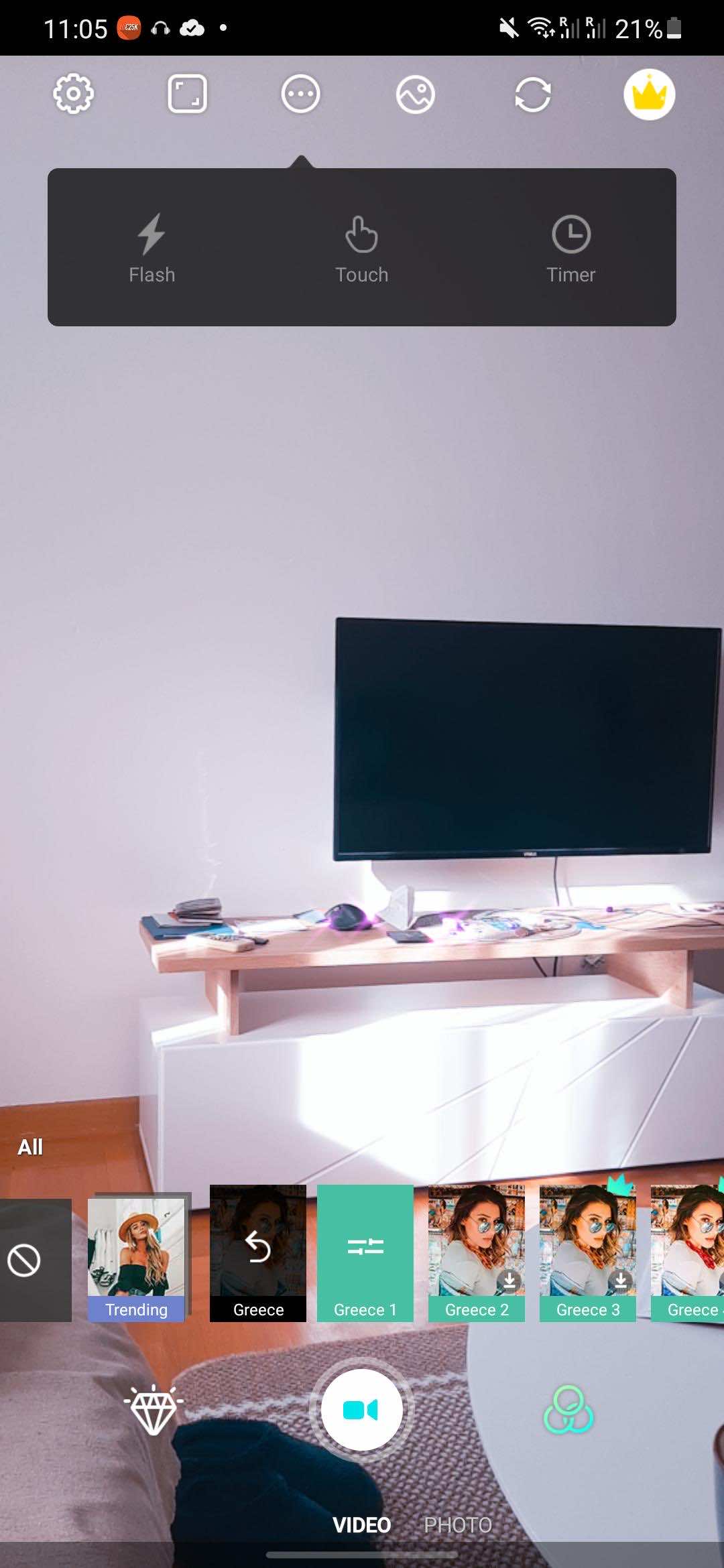
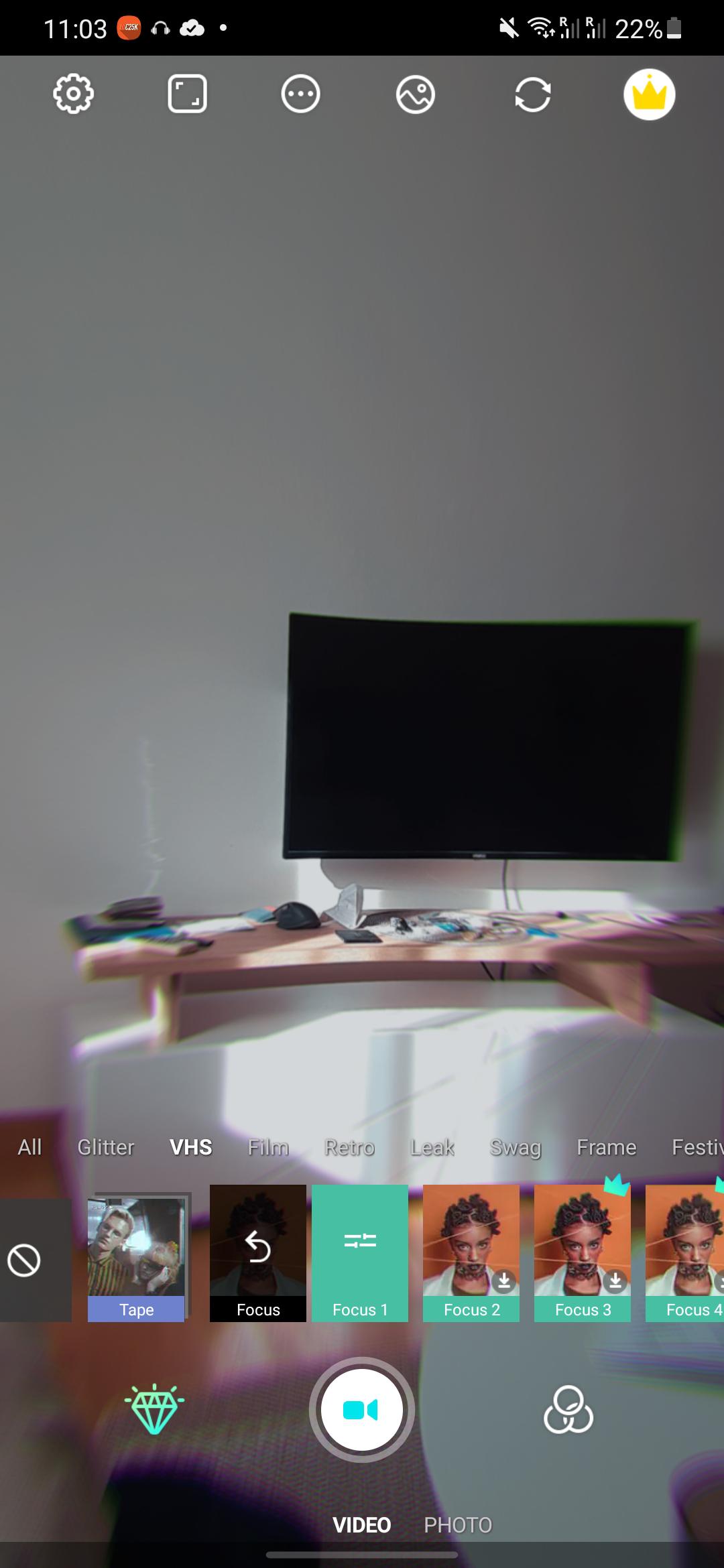
If you liked the Prequel app, you may have already found what you were looking for and don't see the point in experimenting with a new app. However, the free version of Prequel for Android offers much more limited features than the iOS version.
In this case, Indie Video Effect might be a good alternative. It has everything you could need, including Polaroid-style filters. Various video editing tools are also available, including audio and text overlays and resolution adjustments.
The only drawback is that Indie Video Effect adds a watermark to your videos. To remove it, you'll need to upgrade to the Pro version, which costs $3 per month. The paid version also removes banner ads at the bottom of the screen.
Version for Android.
KineMaster
 KineMaster is one of the most powerful video editors for Android. However, this app offers more than just editing tools; it also offers a collection of free video filters, including mosaic, spiral, rolling ball, and more.
The KineMaster library also includes a set of additional filters, categorized for user convenience. Effects can be applied to various video layers, and many filters offer additional settings.
Some users find the free version sufficient, but it doesn't offer all the features, and there's another drawback: the app adds a watermark to all edited videos. To remove the watermark and gain access to thousands of filters and additional options, upgrade to Premium. A subscription costs $4 per month.