



If you've recorded a home video or created an incredible music mix, you'll undoubtedly want to share it with your friends. Depending on the size and number of files you need to send, this can be a challenge. We all know that feeling—when a forum or favorite website tells us, "Sorry, but the file is too big." For example, Gmail with its 25 MB limit or Yandex with 2 GB.
We have several file-sharing services in our collection that allow you to upload files and share them using short links. When you need to send a large file, try using one of them. This is very convenient, as you don't have to re-upload the file if you want to share it with several friends—just send them the short link automatically generated by one of these services.
Pixeldrain
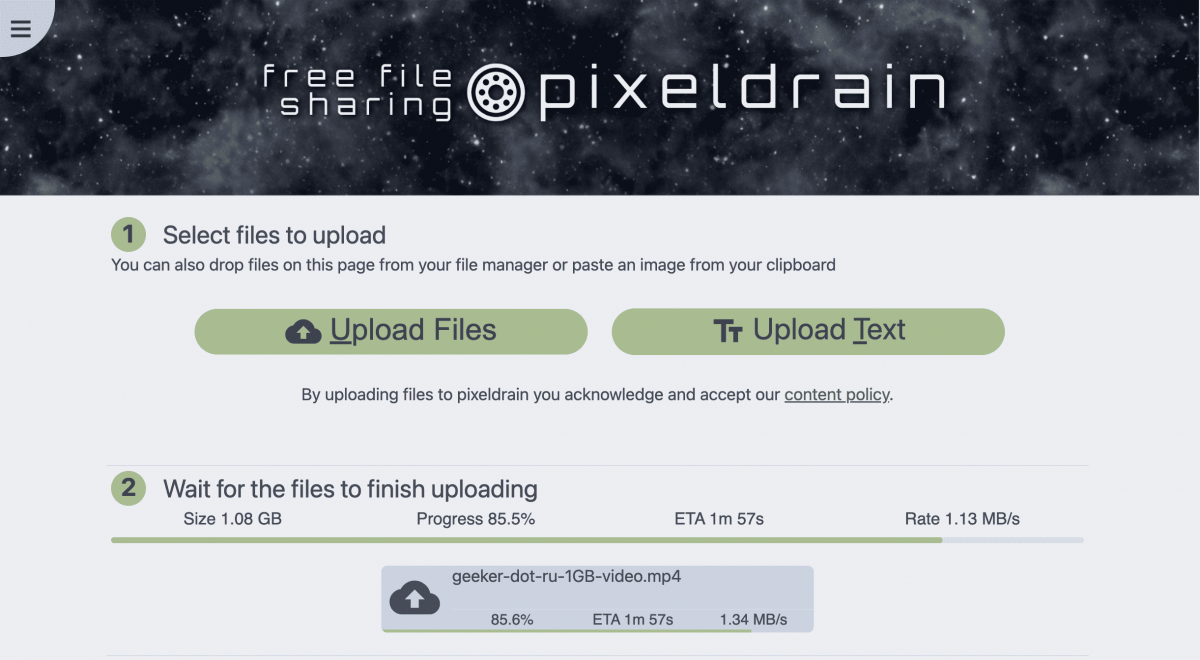
To cloud storage Pixeldrain You can upload files up to 10 GB in size. This limitation applies to a single upload only. If needed, you can upload up to 10,000 files and organize them into "lists" that can be shared. A "list" is simply another name for a folder or collection. The maximum number of files in a list is 10,000. This means, theoretically, you can share a 100 terabyte batch of documents at once.
Please note that Pixeldrain only stores data on its servers for a limited time! You'll have 100 days from the download date. However, every time someone clicks your link, the 100-day countdown starts over. So, the data may never be deleted if the link is used once every three months.
Pixeldrain is one of the few services that can be fully used without an account. However, it's more convenient if you do register. Registered users can more easily access and track files. Finally, Pixeldrain has a text sharing tool similar to Pastebin. Simply copy and paste the desired text into the appropriate field and share it using the generated link.
MediaFire
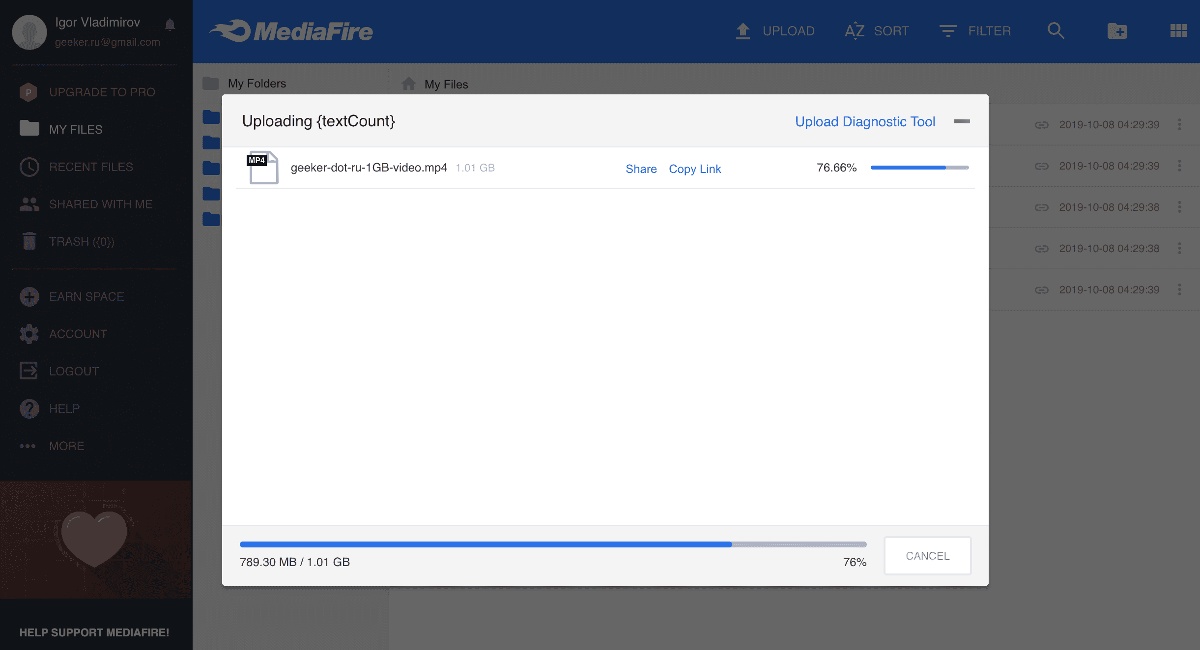
MediaFire is considered one of the best file-sharing services. Upon registration, users receive 10 GB of free cloud storage. Log in via Twitter, install the mobile app, or invite friends to receive an additional 40 GB. Other users can download the uploaded information from the MediaFire website using a unique link provided after the upload is complete.
WeTransfer
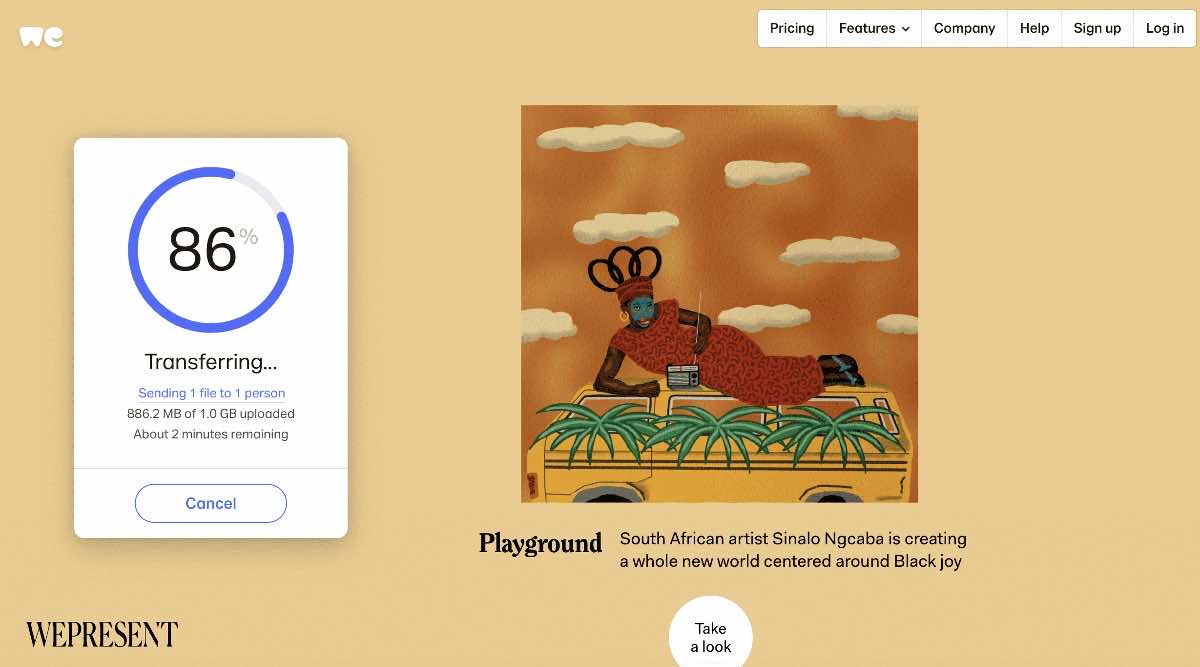 WeTransfer It has a fairly simple interface: you can get the files you need in just a few clicks. What's more, they'll remain available for download for a week or will be deleted after 24 hours, depending on the settings you specify. Registration is optional.
2 GB of storage is provided for free. By upgrading to a paid plan for $12 per month, you can increase your storage to 100 GB. You can also set a password for downloads and create a custom background. Files will be available for download for more than 7 days, and there is no size limit.
By the way, WeTransfer is available for Android and iOS phones.
Send Anywhere
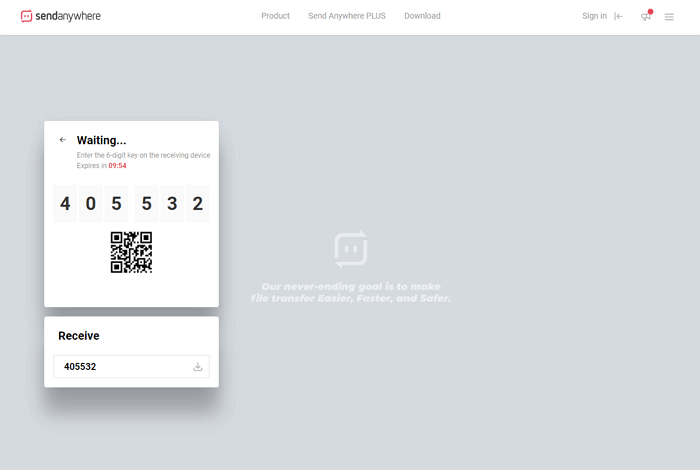
This service works on almost all known platforms, allowing you to transfer files up to 4 GB for free. Visit the website at send-anywhere.com, you can immediately start exchanging information with other users. To do this, select the "Direct" option—you'll be given a 6-digit PIN, which you'll need to share with the recipient. After they enter it in the "Input Key" field, the download will begin. Registration is not required, but you must be logged in to the service's website at the time.
The service has its own extension for the Google Chrome browser and apps for iOS and Android. SendAnywhere is also available for MacOS and Windows, with versions for Linux and Amazon Kindle, as well as plugins for WordPress and Outlook. Using the browser extension, you can share files up to 4 GB. The paid version, priced at $6 per month, provides 1 TB of storage.
Dropbox Transfer
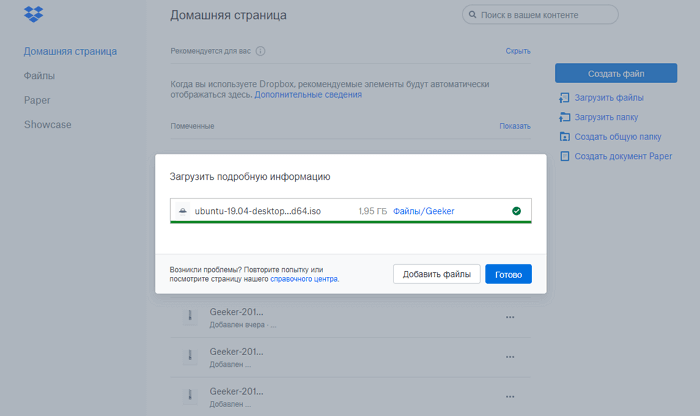
Dropbox It allows you to share large files and folders, but you have to worry about having enough free space in your cloud storage. However, with the free plan, you can easily upload 2 GB and create a download link immediately after registration.
The developers are currently beta testing the new service. Dropbox Transfer, which is a cross between cloud storage and email. The basic version allows you to share files up to 100 MB using Dropbox Transfer. With the Plus package, users can upload up to 2 GB, and the Pro version allows transfers of up to 100 GB.
To protect your privacy, all downloads are automatically deleted after seven days. You can share files from your Dropbox storage as well as those downloaded from your computer. Dropbox Transfer also features automatic tracking, so you'll receive a notification every time a download attempt occurs.
Dropbox Transfer is currently in beta testing, so it's not available for all accounts. However, you can sign up for the service now and use the older version for your own purposes.
TeraShare
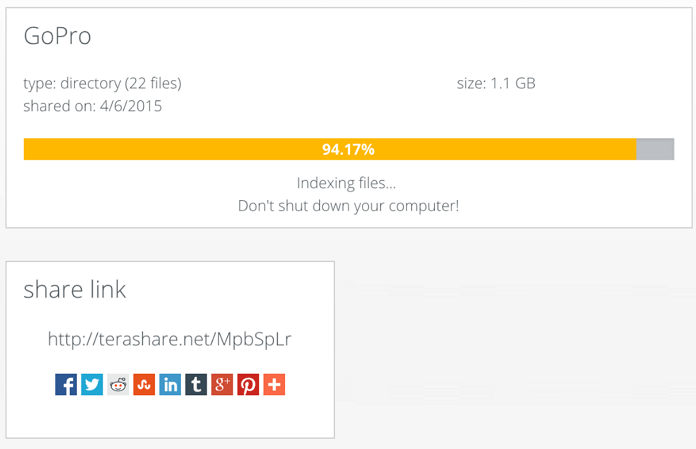
TeraShare Combines cloud storage and a BitTorrent peer-to-peer client for fast file transfers. This program has no size limits for files transferred.
Here's how it works. You download and launch TeraShare on your computer. Add the document you want to share, and the program generates a unique download link. All you have to do is send this link to your friends.
Since the program operates using the peer-to-peer protocol, uploads and downloads begin instantly. Essentially, your friends will simultaneously download portions of the file from each computer in the peer-to-peer network (their owners won't be able to view them because they're encrypted), significantly increasing download speed. Of course, your computer must be turned on until the download completes. Files under 10 GB are uploaded directly to TeraShare servers, so recipients can download them even if your computer is no longer online.