



If you've ever been involved in planning a wedding, you know how much work falls on the shoulders of the future newlyweds and their parents. They need to choose the venue and time of the celebration, find a good photographer, purchase flowers... And, of course, don't forget the crucial detail of sending invitations to friends and family.
When planning a small, intimate family celebration, you can forgo traditional invitation letters and brochures. Instead, send your guests electronic invitations in the form of vibrant postcards. Several mobile apps are available to help you accomplish this in minutes.
Evite
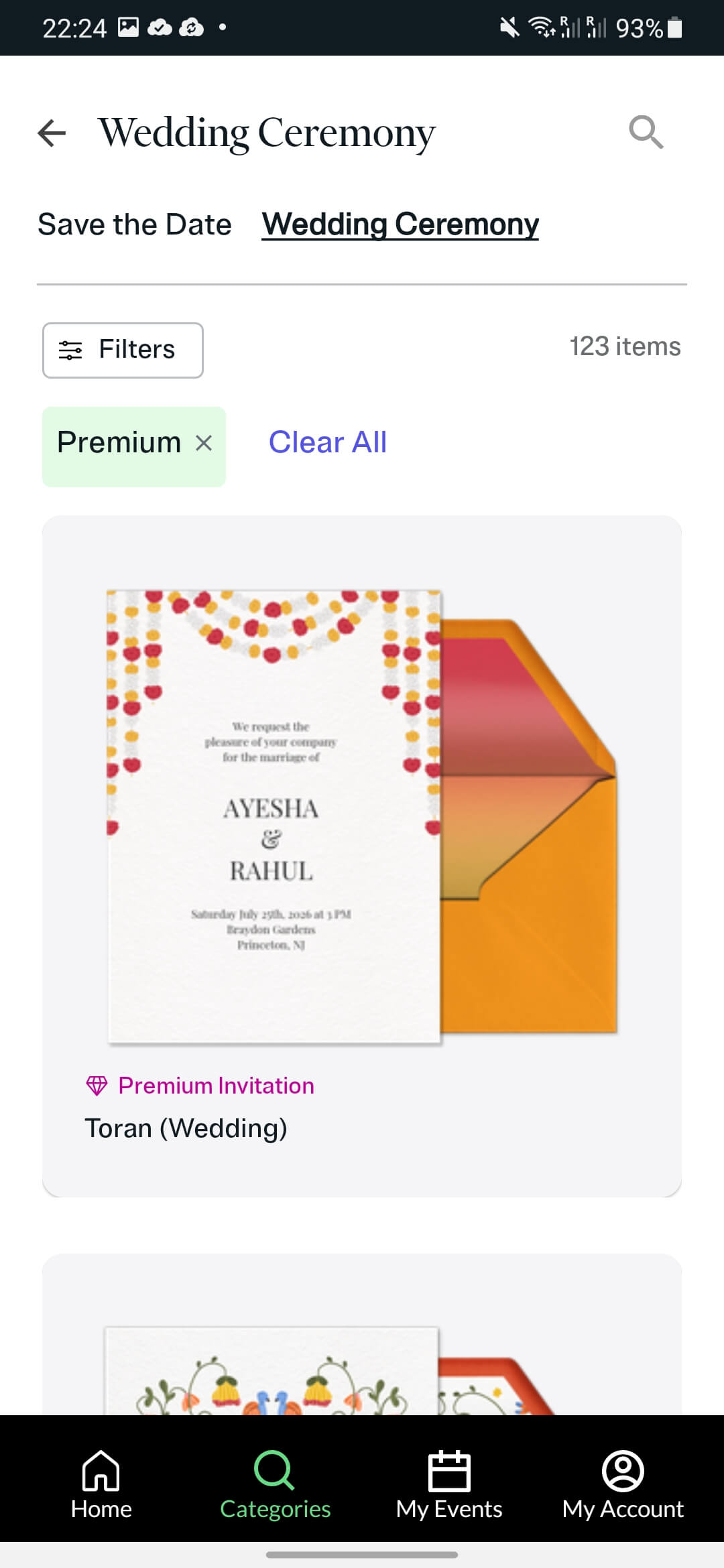
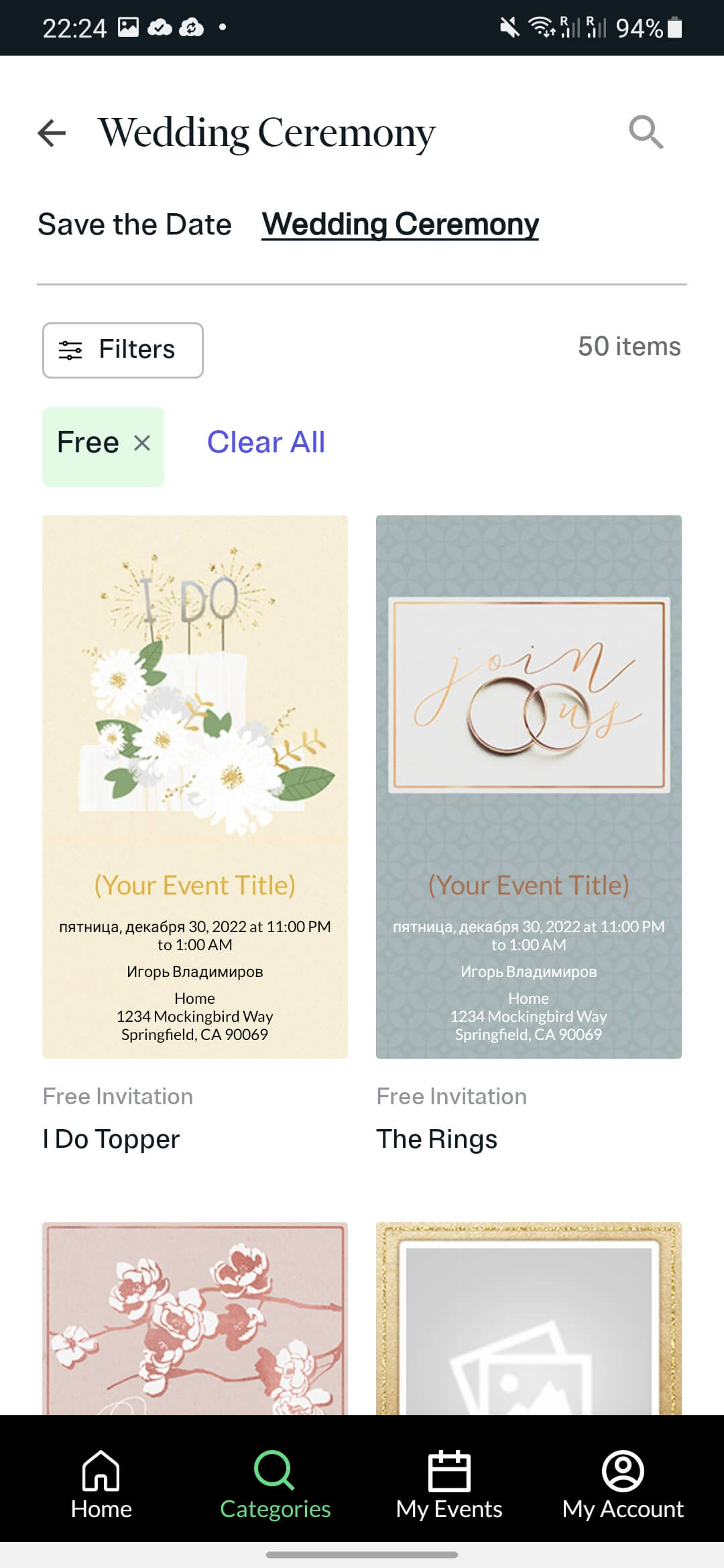
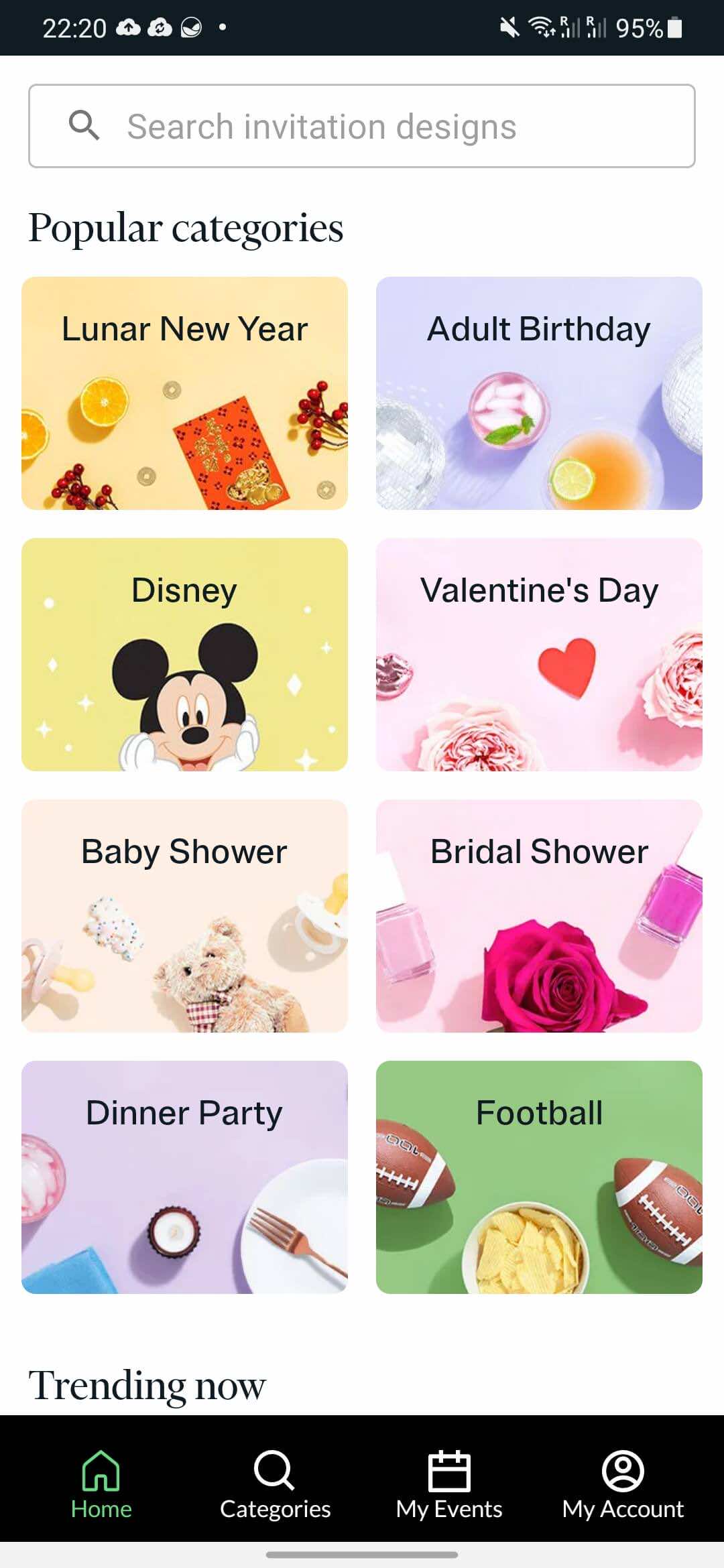
With Evite, you can congratulate your friends on all major holidays and create invitations for anniversaries, birthdays, and parties. But if you're specifically interested in weddings, open the app and enter "Wedding" in the search field. You can also find the desired category in the list by clicking the Browse button and scrolling down to the "Wedding Ceremony" line. There are 50 free and 123 paid templates available.
Once you've chosen a template, you'll be prompted to edit the sketch. You can change the canvas color, add a title, date and location of the event, and a message. A free account lets you share your masterpieces with loved ones directly from the app. By granting the app access to your contact list, you'll receive notifications whenever a friend replies. Evite has many other useful features, and most importantly, it's ad-free.
The application is available for Android And iPhone.
Wedding Invitation Cards
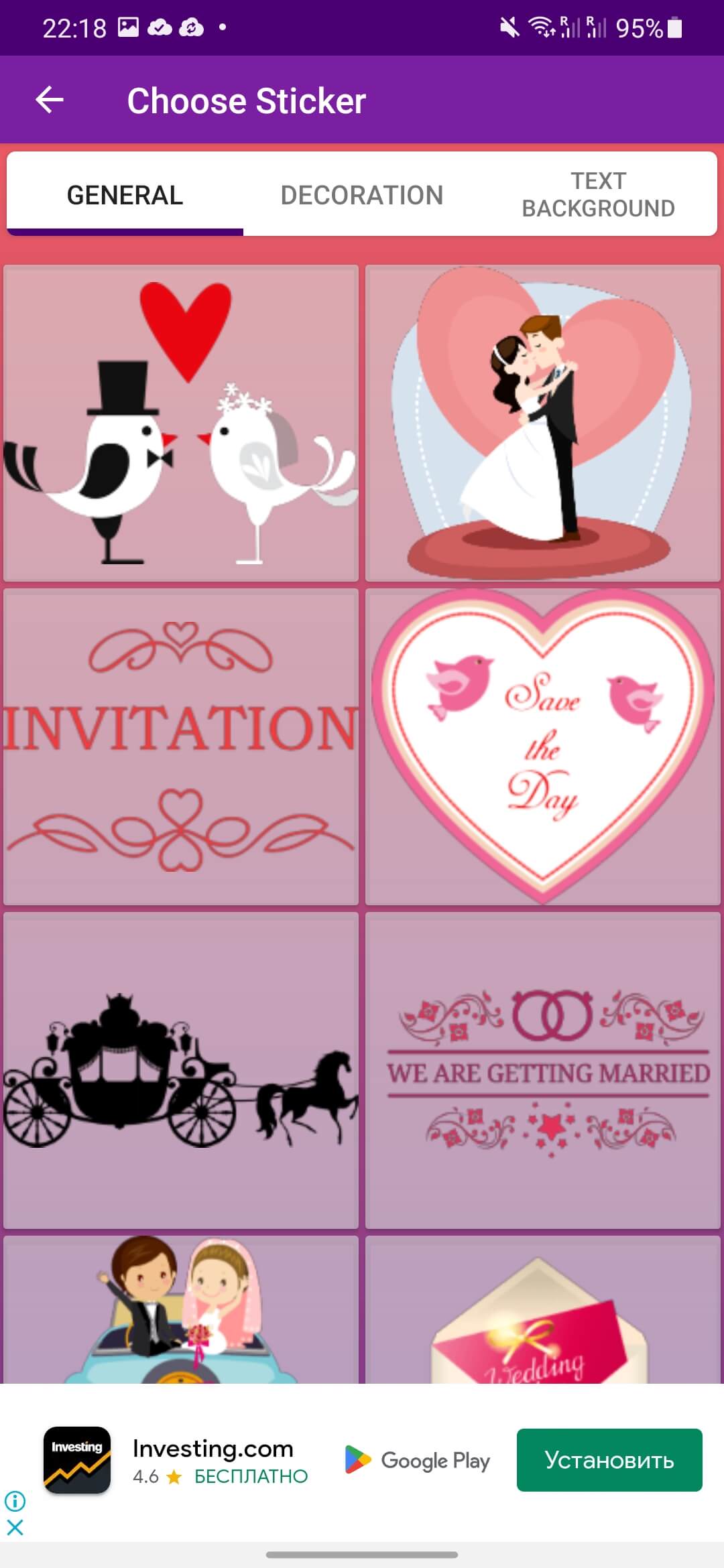
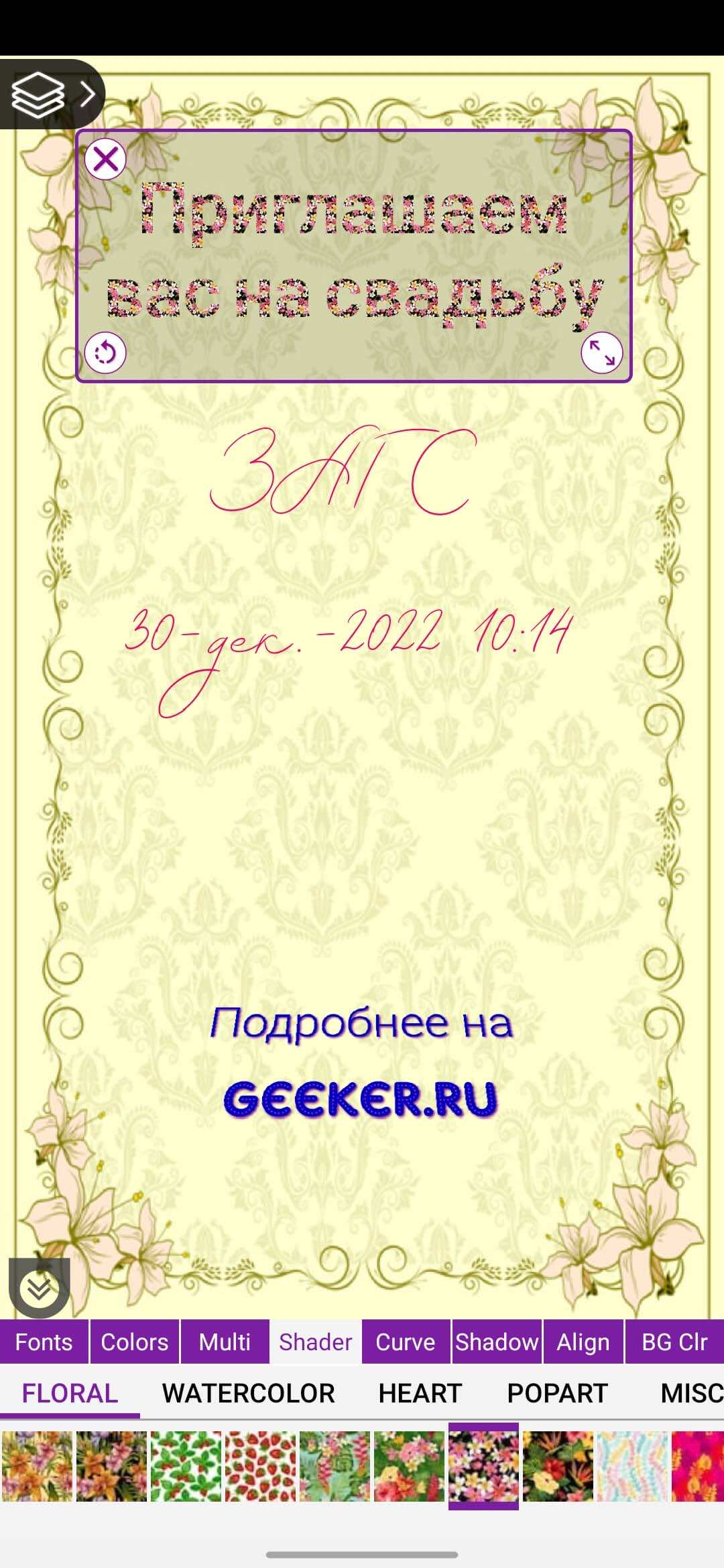

The Wedding Invitation Cards app for Android is easy to use and offers a wealth of customization options. Start by entering the necessary details, such as the greeting, body text, location, and RSVP type (a reminder that you'd like a response). Select the date and time, and then tap the Create Invitation button.
Next, you can choose a design by clicking the "Cards" button in the upper right corner. There are a variety of backgrounds available in various colors and styles. After selecting any, you'll immediately see a preview of the card and can make adjustments if needed. For example, you can add stickers, vignettes, photos, quotes, artistic effects, and edit the font style and color. You can also rearrange, delete, or add graphic and text blocks as desired. Once you're done, save the image and share it with your friends.
The app has quite a few ads that will follow you throughout the creative process. If you don't mind this, stick with the free version. Otherwise, you'll have to pay a small fee.
Wedding Invitation Cards Maker
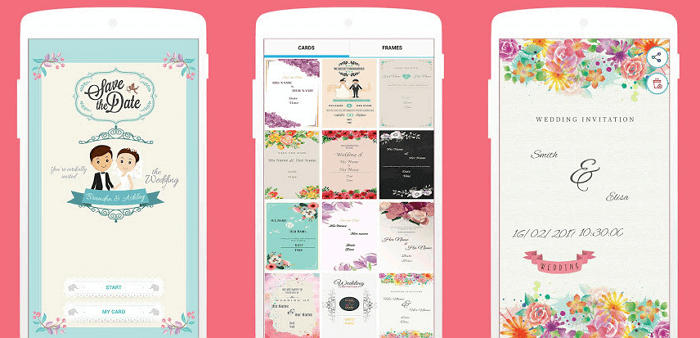
Wedding Invitation Cards Maker is another great free tool for creating digital invitations. You can choose an image with or without a frame, and both options offer a wide variety of backgrounds. Open the app, click the Start button, and then select the Cards or Frames tab at the top of the screen.
The template designs vary in style and layout, from cute and playful to romantic and elegant. Once you've decided on a layout, you can begin filling in the text fields: inserting flourishes and swirls, choosing the font color and size. Then, save your creation for later editing or send it directly to the recipient.
The app is overloaded with ads, which can be removed by upgrading to the paid version. But even without them, this program allows you to create truly cool and attractive wedding cards.
The application is available for iPhone.
Invitation Card Maker
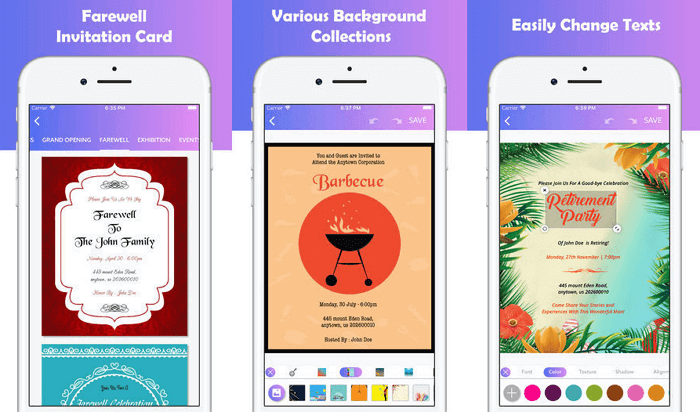
Invitation Card Maker for iPhone is a great app for creating invitations for both weddings and other important events, whether it's a dinner party or a tea ceremony.
Click the Wedding tab at the top of the screen, then scroll through the list to see a variety of card designs and styles. There are simple, straightforward backgrounds, as well as some quite unique and exotic ones.
Once you've selected the desired template, click Edit to change the canvas color, add effects, stickers, and text. Once you're finished, click Checkmark to check the final result, then share or save the image.
Wedding Invitations
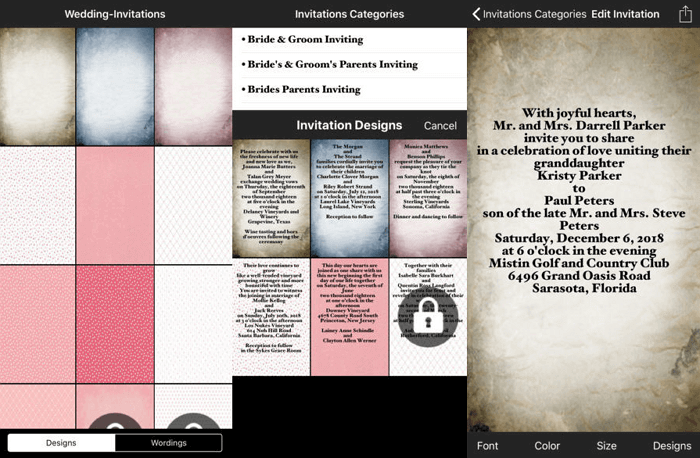
Opening the application Wedding Invitations On iPhone, you can choose a design and background for your virtual invitation from a variety of options. To get started, go to the Designs section and browse the available templates. Clicking on one will automatically open the editing tab. Here, select a theme from one of the categories—for example, "Fall Wedding," "Children's Invitation," "Religion," etc.
Once you've decided on the graphic design, move on to adding the text. Adjust the font style, color, and size. Once you're done, you can save your creation or send it immediately to your recipients using your preferred method.
The app is free and contains ads. However, the ads are only displayed at the top or bottom of the screen, rather than covering the entire screen, as is often the case with other apps. You can also purchase a paid version, which removes ads and unlocks advanced features.
Canva
Canva is a very powerful app that lets you create near-professional greeting cards, business cards, covers, logos, and banners. After installing the app, you'll be prompted to register for free. You'll then immediately have access to all the numerous options and settings. Among the themed sections, you can find "Invitation" by scrolling down the list at the top of the screen.
Next, enter the word "wedding" in the search bar to see possible design and color options. Both free and paid templates are available. Choose the one you like best and begin editing. You can use the built-in tools to change the font style and size. add stickers and photos, move individual blocks.
When you're finished, tap "Share" and then choose the image extension you'd like to save your drawing in. The best part is that the app is ad-free and packed with useful features.
The application is available for Android, iPhone And web browser.